If you're an Australian tradie registered for GST, every invoice you send to a customer must meet the ATO's tax invoice requirements. Get it wrong — even by leaving out a single field — and your customer can't claim their GST credits, and you risk compliance issues.
The good news: the requirements are simple once you know them. This guide covers exactly what the ATO requires, with a checklist you can use on every job.
What is a Tax Invoice?
A Tax Invoice is a specific type of invoice required when a GST-registered business charges GST on a sale. It's the document your customers need to claim their GST input tax credits from the ATO.
If your annual turnover is $75,000 or more, you're required to register for GST and issue Tax Invoices — not just regular invoices. If you're under $75,000, GST registration is optional, but you still need to label your invoices correctly so customers know whether GST is included.
Important: Only invoices labelled "Tax Invoice" allow your customers to claim GST credits. A plain invoice — even one that includes a GST amount — won't cut it. The label matters.
The 8 things an ATO-compliant Tax Invoice must include
According to the ATO, a valid tax invoice for sales over $1,000 must contain all of the following:
- The words "Tax Invoice" — clearly stated, usually at the top. This is non-negotiable.
- Your business name — the name you're registered under with the ATO.
- Your ABN (Australian Business Number) — your 11-digit ABN must appear on the invoice.
- The date the invoice was issued — not the date the work was done, the date you issued the invoice.
- A description of what was sold — a brief, clear description of the goods or services provided.
- The GST amount — shown separately, or a statement that the total price includes GST.
- The total amount payable — the full amount the customer owes, including GST.
- The buyer's identity or ABN — for sales over $1,000, you must also identify the purchaser.
For sales under $1,000, you don't need to include the buyer's identity — making the checklist a little shorter. But the other seven fields are always required.
Quick checklist: Tax Invoice requirements by invoice size
| Required field | Under $1,000 | $1,000 and over |
|---|---|---|
| Words "Tax Invoice" | ✓ | ✓ |
| Your business name | ✓ | ✓ |
| Your ABN | ✓ | ✓ |
| Invoice date | ✓ | ✓ |
| Description of goods/services | ✓ | ✓ |
| GST amount (separate) | ✓ | ✓ |
| Total amount payable | ✓ | ✓ |
| Buyer's identity or ABN | — | ✓ |
What happens if your Tax Invoice is missing a required field?
If your invoice is missing a required field, your customer technically can't use it to claim GST input tax credits. In practice this means:
- Your customer may come back and ask you to reissue a corrected invoice — causing delays
- If the mistake is identified in an ATO audit, your customer could be denied their GST claim
- In some cases, you may need to issue a credit note and a new invoice
The simplest fix is to use an invoicing app that automatically includes every required field — so you never have to remember the checklist yourself.
Common Tax Invoice mistakes tradies make
1. Forgetting to write "Tax Invoice"
This is the most common mistake. Writing "Invoice" instead of "Tax Invoice" means your customer can't claim GST. Always use the full label.
2. Leaving out the GST amount
Saying "includes GST" in the description isn't enough. The ATO requires the GST dollar amount to be shown separately — for example, "GST: $95.45". Alternatively, you can include a statement that the total price includes 1/11th GST, but a separate line item is clearer.
3. Using a personal name instead of your registered business name
If your ABN is registered to "J Smith Electrical Pty Ltd", your invoice must show that name — not just "John Smith". Check what name appears on your ABN registration at the ABN lookup tool.
4. Not including the buyer's details on large invoices
For invoices over $1,000, you need to identify the buyer — their business name, ABN, or address. Many tradies skip this on large commercial jobs and don't realise it voids the invoice for GST purposes.
Pro tip: If you realise an invoice is missing required information after you've sent it, issue a corrected Tax Invoice with all the required details. You can note it as a "replacement" for the original. You don't necessarily need to issue a credit note unless the amounts have changed.
How to calculate the GST amount for your invoice
GST in Australia is 10% of the pre-GST price. To work out the GST amount:
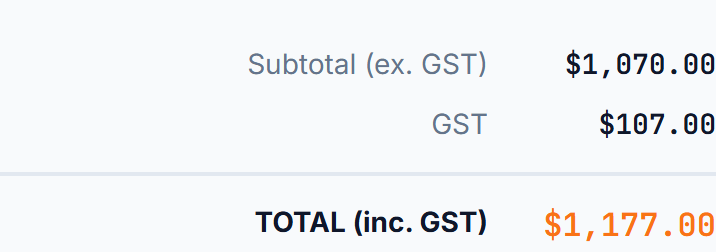
- If you know the pre-GST price: multiply it by 0.10. E.g. $500 × 0.10 = $50 GST → total $550.
- If you know the GST-inclusive price: divide by 11. E.g. $550 ÷ 11 = $50 GST → pre-GST price $500.
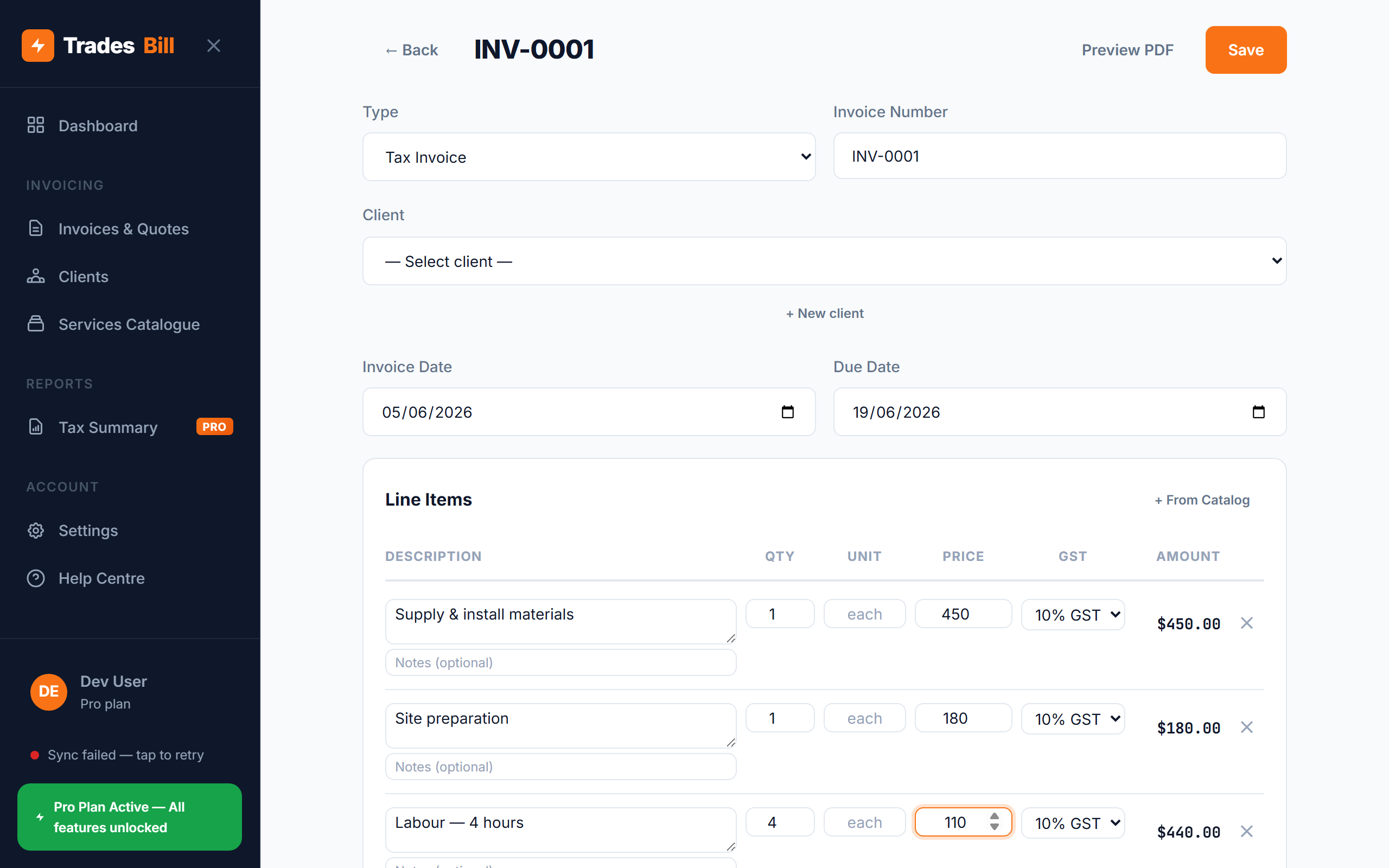
A good free invoice app for tradies does this automatically — you enter the line item price and it calculates the GST and total for you in real time.
Do I need to keep copies of my Tax Invoices?
Yes. The ATO requires you to keep records of all Tax Invoices — both those you issue and those you receive — for at least 5 years. These records must be available if the ATO requests them during an audit.
Digital copies are fine. Most invoicing apps store your invoices automatically, which satisfies this requirement.
Never worry about Tax Invoice compliance again
TradesBill automatically includes every ATO-required field on every invoice — ABN, "Tax Invoice" label, GST breakdown, and total. Free forever, works offline.
Create your first Tax Invoice — FreeFrequently asked questions
Can I send a Tax Invoice by email?
Yes. The ATO accepts Tax Invoices in any format — paper, PDF, or email — as long as all the required fields are present. Most tradies generate a PDF and email or text it to their customer.
Can I use a Word or Excel template?
You can, but you'll need to manually ensure every required field is included on every invoice. It's easy to miss the GST line or forget to update your ABN. A dedicated invoicing app is more reliable and faster on the job.
What if my customer is not registered for GST?
You still need to issue a Tax Invoice and charge GST if you are GST-registered. The invoice should still include all the required fields. Your customer simply won't be able to claim the GST back since they're not registered.
Do quotes need to be Tax Invoices?
No. Quotes are not Tax Invoices — they're estimates of work to be done and don't require GST to be shown separately. Once the work is complete and you're requesting payment, that's when you issue a Tax Invoice. With TradesBill, you can convert a quote to a Tax Invoice in one tap.