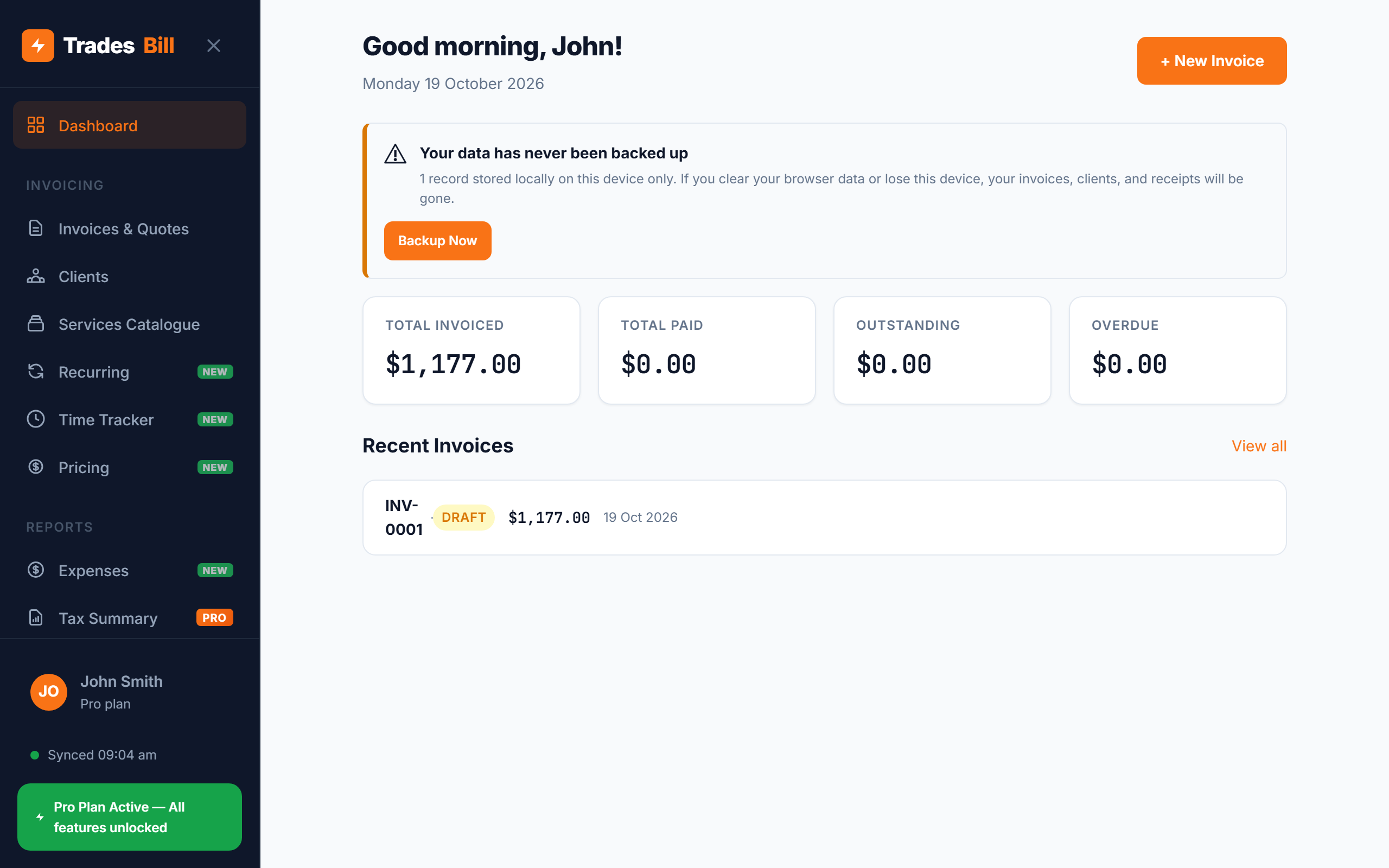
If you look after the same pool, garden, air-con units or strata building every month, you're writing the same invoice over and over. A recurring invoice app takes that job off your plate: you set the client, line items and schedule once, and a fresh invoice is ready each time the work comes due. For Australian tradies on maintenance contracts, it's one of the easiest ways to stop chasing paperwork and get paid on time.
This guide covers when recurring invoices make sense, what each one still needs to include, how GST works on regular billing, and how to set them up step by step.
What is a recurring invoice?
A recurring invoice is an invoice that's generated on a fixed schedule — weekly, fortnightly, monthly, quarterly or yearly — from a saved template. Instead of starting from a blank invoice every time, you create the template once with the client, the description of work and the price. Each period, a new invoice is created from that template with its own invoice number and date.
It's still a normal invoice in every way. Each one is a separate document your client pays separately, and each one counts as a separate sale for your records and BAS.
When recurring invoices make sense for tradies
Recurring billing works best when the work and the price are the same (or close to it) every period. Common examples:
- Lawn and garden maintenance — a fixed fortnightly or monthly mow-and-tidy for residential or body corporate clients.
- Pool servicing — weekly or fortnightly chemical checks and cleaning.
- Air-con and HVAC servicing — quarterly or six-monthly filter cleans under a service agreement.
- Commercial cleaning — weekly office or shopfront cleans at an agreed rate.
- Fire safety and electrical testing — regular inspection and test-and-tag visits on a schedule.
- Retainers — a property manager or builder paying a set monthly amount for on-call availability.
If the price changes a lot from visit to visit — say, call-outs where parts and hours vary — a recurring invoice is still useful as a starting point, but you'll edit it before sending. For one-off jobs that happen to repeat (the same bathroom reno for two different clients), duplicating an old invoice is usually quicker.
What every recurring invoice still needs to include
Automating the schedule doesn't change the rules. Every invoice generated from a template must still meet the usual requirements — and if you're registered for GST, each one must be a valid tax invoice. Check our guide on what a tax invoice must include for the full ATO list. In short, each invoice needs:
- "Tax Invoice" at the top if you're GST-registered (or "Invoice" if you're not).
- Your business name and ABN.
- A unique invoice number — never reuse the same number for each period.
- The date of issue.
- A clear description of the work — including the service period, e.g. "Monthly garden maintenance — November 2026".
- The GST amount shown separately, and the total payable.
- The client's name or ABN for invoices of $1,000 or more.
- Payment terms and how to pay — due date, BSB and account number, or PayID.
Tip: Put the service period in the line item description. "Pool service — weekly" looks identical every week, so if a client queries a payment, neither of you can tell which visit it was for. "Pool service — week of 3 Nov 2026" clears that up instantly.
How GST works on recurring invoices
GST on a recurring invoice works exactly the same as on any other invoice: if you're registered, add 10% to the GST-free price. A $180 monthly maintenance fee becomes $180 + $18 GST = $198 total. See how to calculate GST on an invoice for the formulas.
Two things to watch with ongoing contracts:
- Crossing the GST threshold. Regular contracts add up. If your turnover reaches $75,000 you must register for GST, and from your registration date your recurring templates need to start charging it. Update the templates straight away so the next invoice is right.
- Price reviews. If you increase your rates (many contracts include a yearly review), change the template — not just one invoice — so every future invoice uses the new price.
How to set up recurring invoices in TradesBill
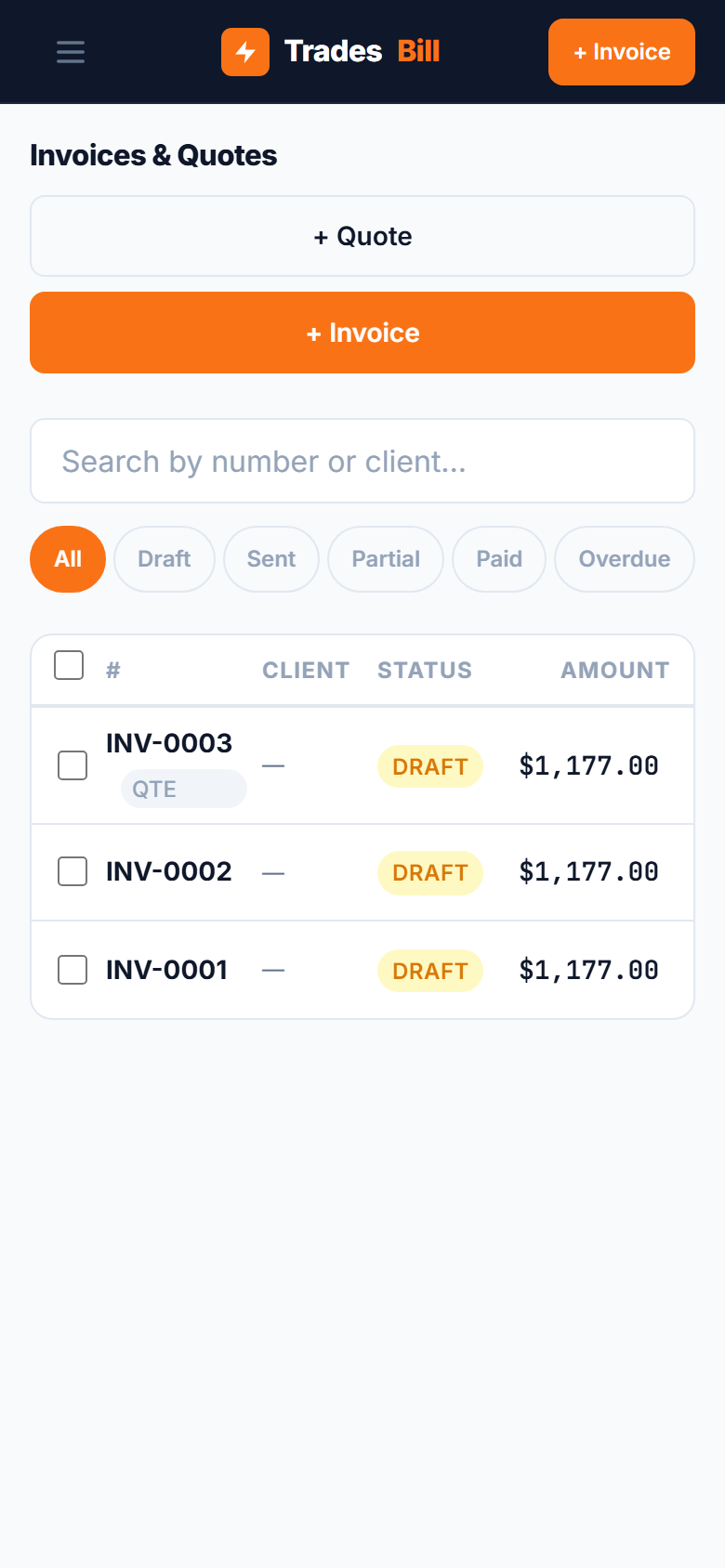
TradesBill is a free invoice app for tradies with recurring invoices built in. Here's how to set one up:
- Open Recurring from the sidebar and tap + New Recurring.
- Give the template a name you'll recognise, like "Monthly maintenance — Harbourview Strata".
- Select the client (or add a new one).
- Choose the frequency: weekly, fortnightly, monthly, quarterly or yearly.
- Set the date the next invoice should be created.
- Add the line items — these are copied onto every invoice the template creates. GST is calculated automatically.
- Optionally add a default discount, for example a loyalty rate for a long-term contract.
- Tap Save.
Each time you open the app, TradesBill checks whether any templates are due. If one is, it creates a new draft invoice with the template's client and line items, gives it the next invoice number, and moves the template's next date forward by one period. You'll see a notification when this happens, so you can review the draft, adjust anything that changed that period, and send it.
Contract on hold over the Christmas break, or a client away for a few months? Pause the template instead of deleting it. Paused templates don't create new invoices, and invoices already created aren't affected.
Recurring invoice mistakes to avoid
1. Sending without a quick check
Automation saves time, but glance over each draft before it goes out. If you did extra work that visit — a broken sprinkler, a replaced capacitor — add it as a line item rather than sending a separate invoice later.
2. Forgetting to update the template
Changed your bank details, raised your rates or registered for GST? Update every active template. Otherwise the old details keep turning up on new invoices.
3. No written agreement
Recurring billing should match a clear agreement with your client: what's included each visit, the price, how often you'll invoice, payment terms and how either side can end the arrangement. A short written service agreement or accepted quote avoids disputes down the track.
4. Letting a non-payer keep running
If a client stops paying, pause their template while you follow it up. There's no point stacking up unpaid invoices for work you may not want to keep doing.
Bill your maintenance clients on autopilot
Set up recurring invoices once and TradesBill creates each one on schedule — with your ABN, GST and payment details included. Free forever, works offline.
Set up a recurring invoice — FreeFrequently asked questions
Do I need a new invoice number for each recurring invoice?
Yes. Every invoice should have its own unique number, even if the amount and description are the same as last month. Unique numbers keep your records clean and make it easy to match payments.
Can I charge a client for a full year upfront instead?
You can. Some tradies invoice annual service contracts in one go, or quarterly. Either way, make sure the invoice describes the service period it covers. If you're not sure how upfront payments affect your GST reporting, check with your registered tax or BAS agent.
What if the amount changes each visit?
Use the recurring template as a starting point and edit the draft before sending. If the amount is different every time, duplicating your last invoice may be just as quick.
TradesBill is not a registered tax agent. This article is general information only — always confirm your GST and invoicing obligations with a registered tax agent or BAS agent.