If you work for yourself, the best invoice app for sole traders in Australia isn't the one with the longest feature list. It's the one that gets a correct invoice in front of your customer quickly, costs little (or nothing), and doesn't make you pay for team features you'll never touch.
This guide is written for the one-person business: no staff, low to moderate invoice volume, often working from a phone on site. It isn't a ranked list — for that, see our best free invoice apps for Australian tradies roundup. And if you want the full feature checklist, our invoicing software buyer's guide covers it. Here we focus on what matters when it's just you.
What makes the best invoice app for sole traders
Sole traders have different needs to a business with staff. Judge any app against these:
- Your ABN on every invoice. Customers (and their bookkeepers) look for it. See can you invoice without an ABN? if you're unsure.
- GST you can switch on or off. Many sole traders are under the GST registration threshold and shouldn't charge GST. Others are registered and must issue Tax Invoices. The app needs to handle both.
- Fast on a phone. You're likely invoicing from the ute or the driveway, not a desk.
- Works with patchy reception. If it needs a connection to save an invoice, it will let you down at the worst moment.
- No per-user or per-job fees. You're one user. Pricing built around staff or job counts is poor value.
- Easy exports. You need to keep invoices for five years and hand them to your accountant at tax time.
Sole trader invoicing: GST on or off?
This is the biggest setup decision. In Australia you generally must register for GST once your GST turnover reaches $75,000, though you can register earlier by choice. Until then, you can invoice without GST. Our guide to the GST registration threshold explains when registration applies, and do I need to add GST to my invoice? helps you work out which side you're on.
Whichever you are, pick an app where this is a simple setting. If you're registered, each invoice should be a proper Tax Invoice — see what must a tax invoice include — with GST at 10% shown separately. To check the maths yourself, here's how to calculate GST on an invoice.
Tip: If you cross the GST threshold partway through the year, you'll need to switch GST on. Choose an app where that's a settings change, not a reason to move everything to new software.
Free vs paid invoice apps for sole traders
With low volume, you rarely need to pay for core invoicing. Here's how the common pricing models stack up for a one-person business:
| Pricing model | Good for a sole trader? | Watch out for |
|---|---|---|
| Free, no invoice cap | Usually the best fit. | Which extras are paid-only. |
| Free with a cap | Fine if you send only a few a month. | Hitting the cap in a busy month. |
| Flat monthly fee | Only if you will use the extras. | Paying for scheduling or timesheets you do not need. |
| Per-job or per-user | Rarely. | Costs rising as you get busier. |
Also compare any paid app against doing it by hand: a spreadsheet works, but you're responsible for every required field and for tracking who has paid. An app removes that admin.
Features sole traders can skip
Plenty of apps are built for teams. If it's just you, you can usually ignore:
- Staff scheduling and dispatch — there's no one to dispatch.
- Timesheets and payroll — only relevant once you hire.
- Multi-user permissions — you're the only user.
- Heavy job-costing modules — handy for larger builders, overkill for a one-person business.
If you grow into a team later, you can move to a bigger platform then. Our comparisons of TradesBill vs Tradify and TradesBill vs ServiceM8 explain when that step makes sense.
Features worth having even as a sole trader
- Quotes that turn into invoices. Saves retyping and keeps the agreed price. See quote vs invoice.
- Paid, due and overdue status at a glance. Late payment hurts a one-person business more than most. Our guide to following up an unpaid invoice has email templates.
- Clear payment terms on the invoice. See invoice payment terms explained.
- A tax summary. Handy if you lodge your own BAS — see how to do your BAS as a sole trader.
Where TradesBill fits for sole traders
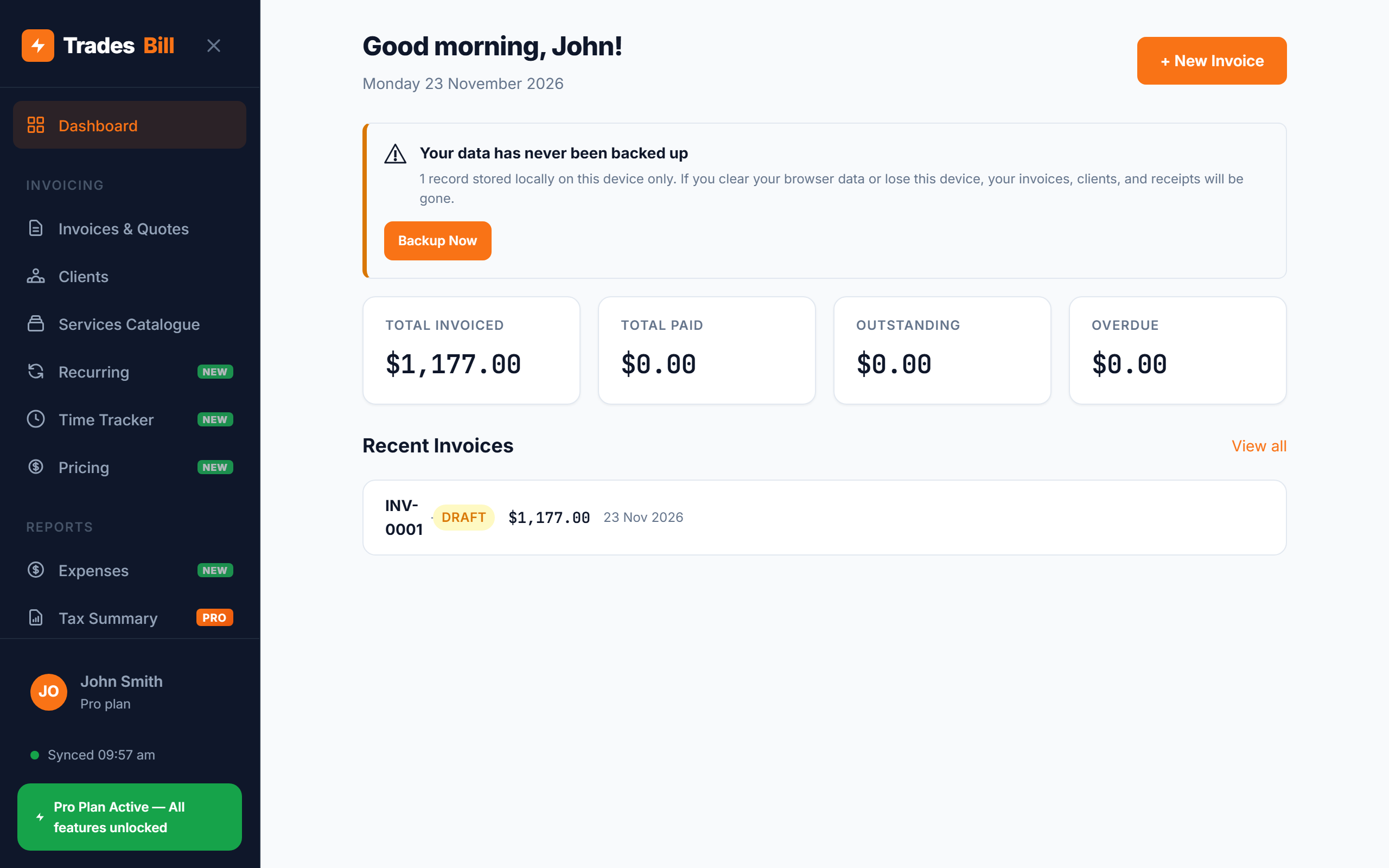
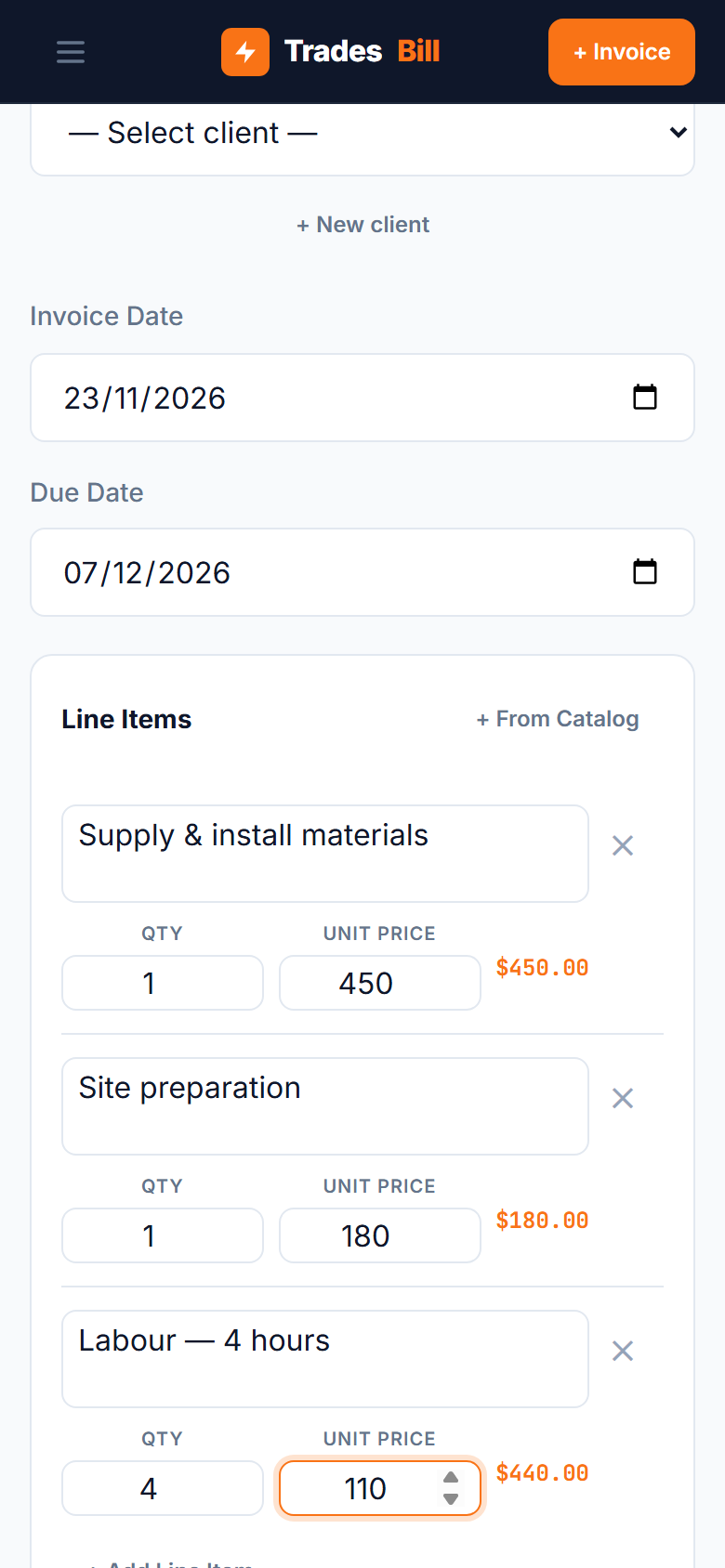
We make TradesBill, so weigh this accordingly. It's a free invoice app for tradies aimed at one-person businesses: your ABN and "Tax Invoice" label are built in, GST at 10% is calculated automatically (and can be switched off if you're not registered), it works offline as an installable web app, and quotes convert to invoices in one tap. The Free plan has no invoice cap and needs no card. Pro ($9/month or $89/year) adds cloud sync across devices, your logo on PDFs, BAS-ready tax summary reports and custom PDF templates.
It isn't a full job-management system — there's no scheduling, dispatch or timesheets. For a solo operator, that's usually a feature, not a gap.
Invoice like a pro, on your own
ABN, GST and "Tax Invoice" built in, works offline on site, and free with no invoice cap. No card required.
Start invoicing for freeFrequently asked questions
Do sole traders need invoicing software?
No, but it helps. You can issue valid invoices from a template, but software fills in your ABN, GST and invoice numbers automatically and tracks what's been paid, which saves time and mistakes.
Can a sole trader use an app that isn't Australian?
You can, but check it supports your ABN, a 10% GST rate, and the "Tax Invoice" label if you're registered. Apps built for other countries often use "VAT" or "sales tax" wording that doesn't suit Australian invoices.
What if I'm not registered for GST?
Then your invoice shouldn't charge GST. Switch GST off in your app and see our guide to the GST registration threshold for when that changes.
Disclaimer: TradesBill is not a registered tax agent. This article is general information only. For advice on your GST, BAS or record-keeping obligations, speak to a registered tax agent or BAS agent.